

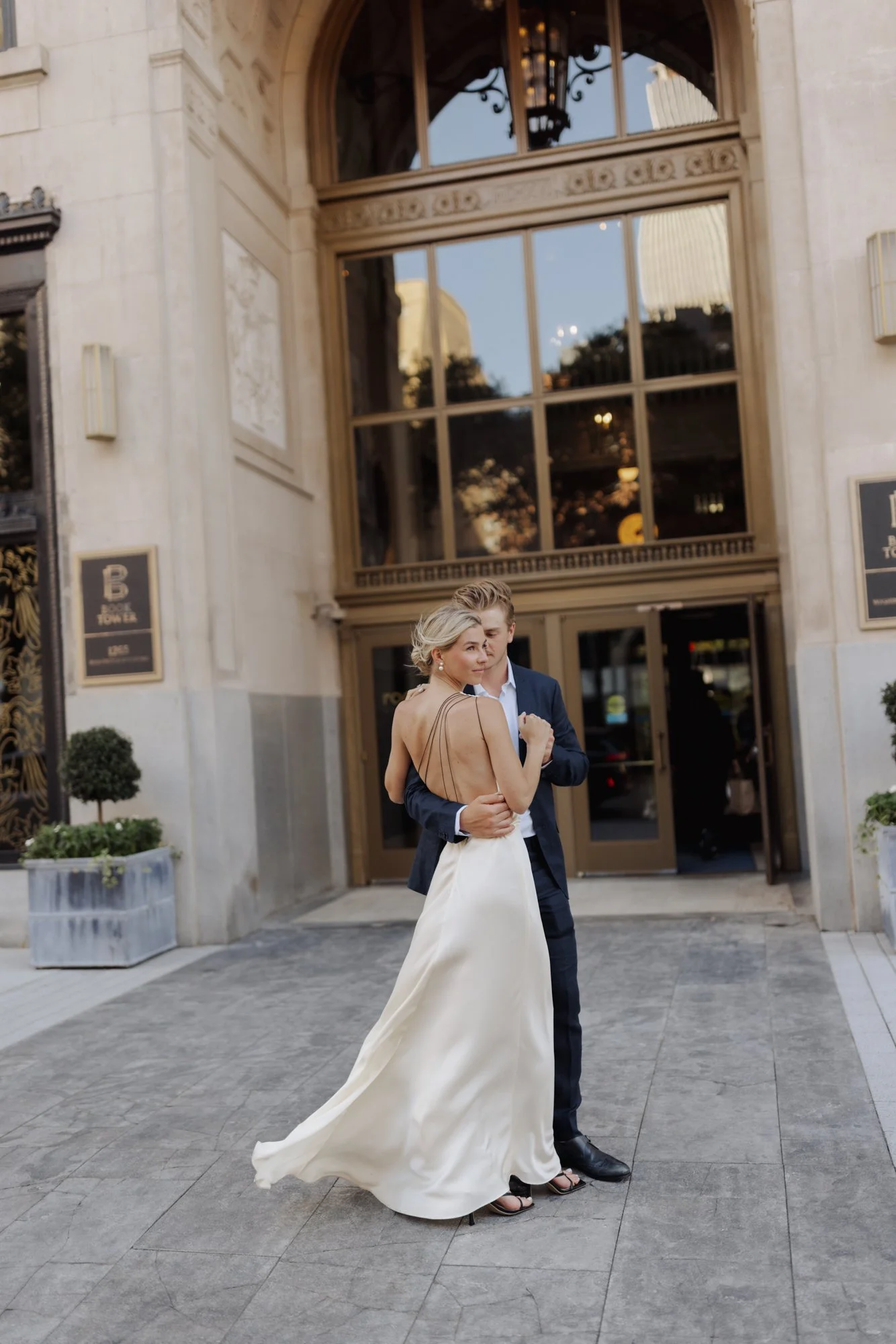
BLAINE SIESSER PRESETS
A complete wedding editing system in fifty two presets.
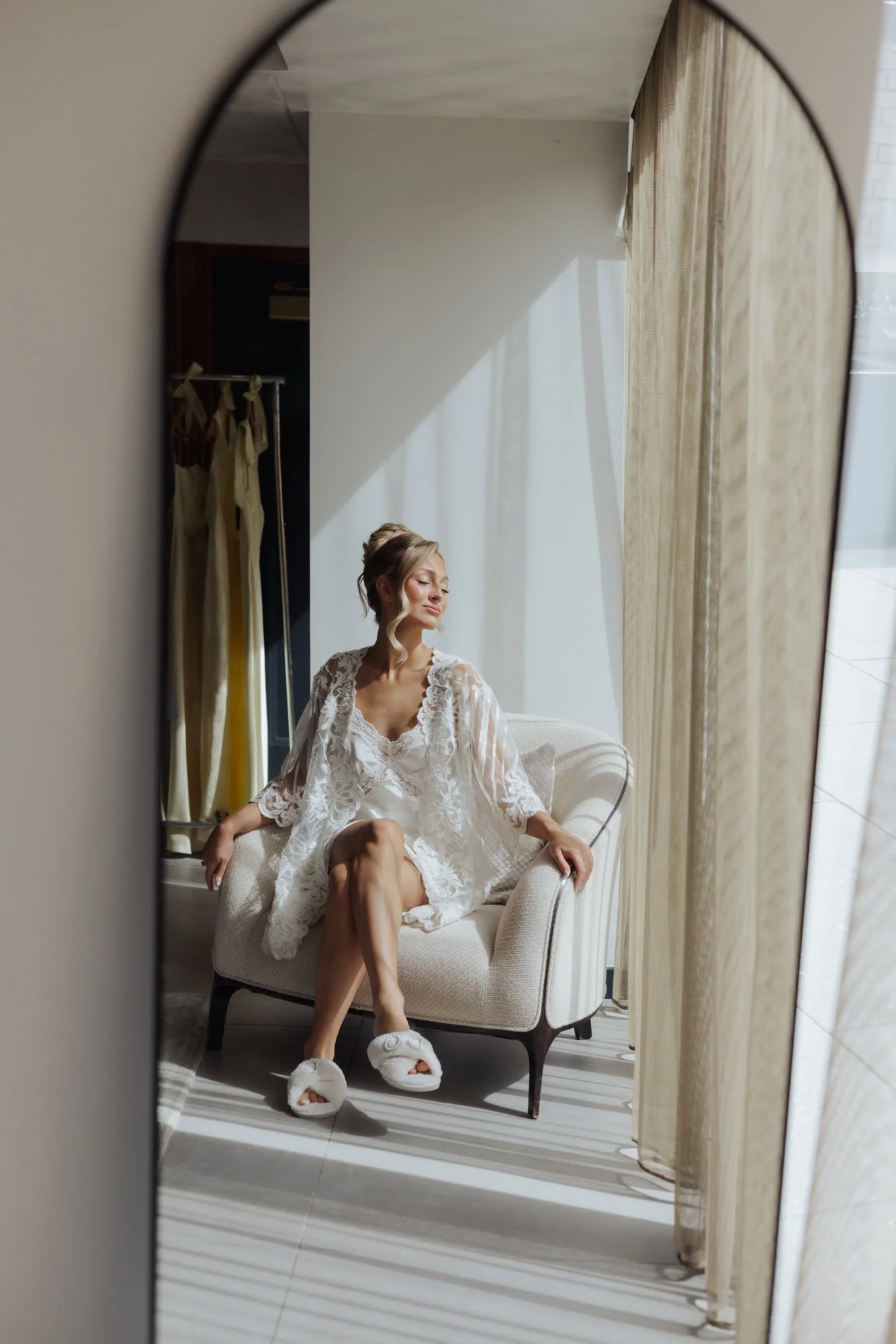
Beautiful Skin tones. Soft Highlights. It's warm without being orange. Filmic without being fake. Greens are normal leaning slightly cyan. There is some depth to the shadows.
With the tutorial - It's a way of finishing a whole wedding.
Most presets are built for golden hour on a hillside. One beautiful image, one beautiful light.
Then you get to the reception. Tungsten uplighting. A flash on a bracket. A dance floor lit like a parking garage. The look falls apart, and you spend the night fighting the file instead of finishing it.
More than half of this system is lighting scenarios — thirty presets that handle backlight, window light, open shade, overcast, direct flash, softbox, dusk, and eight flavors of tungsten.
They aren't looks. They're corrections. The unglamorous work that makes a 2,700-image gallery hold together from getting-ready to last call.
That's the difference between a preset pack and an editing system.
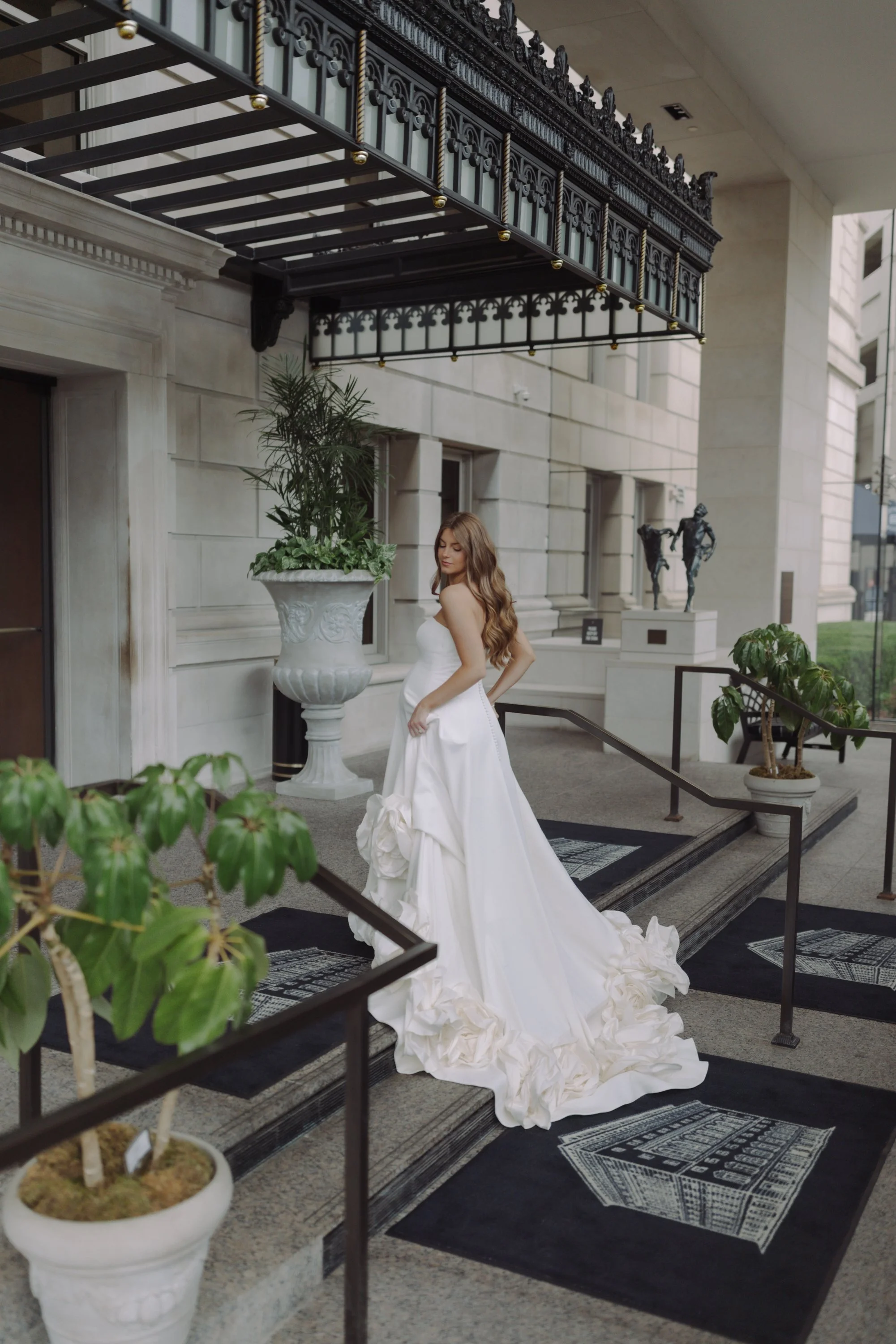
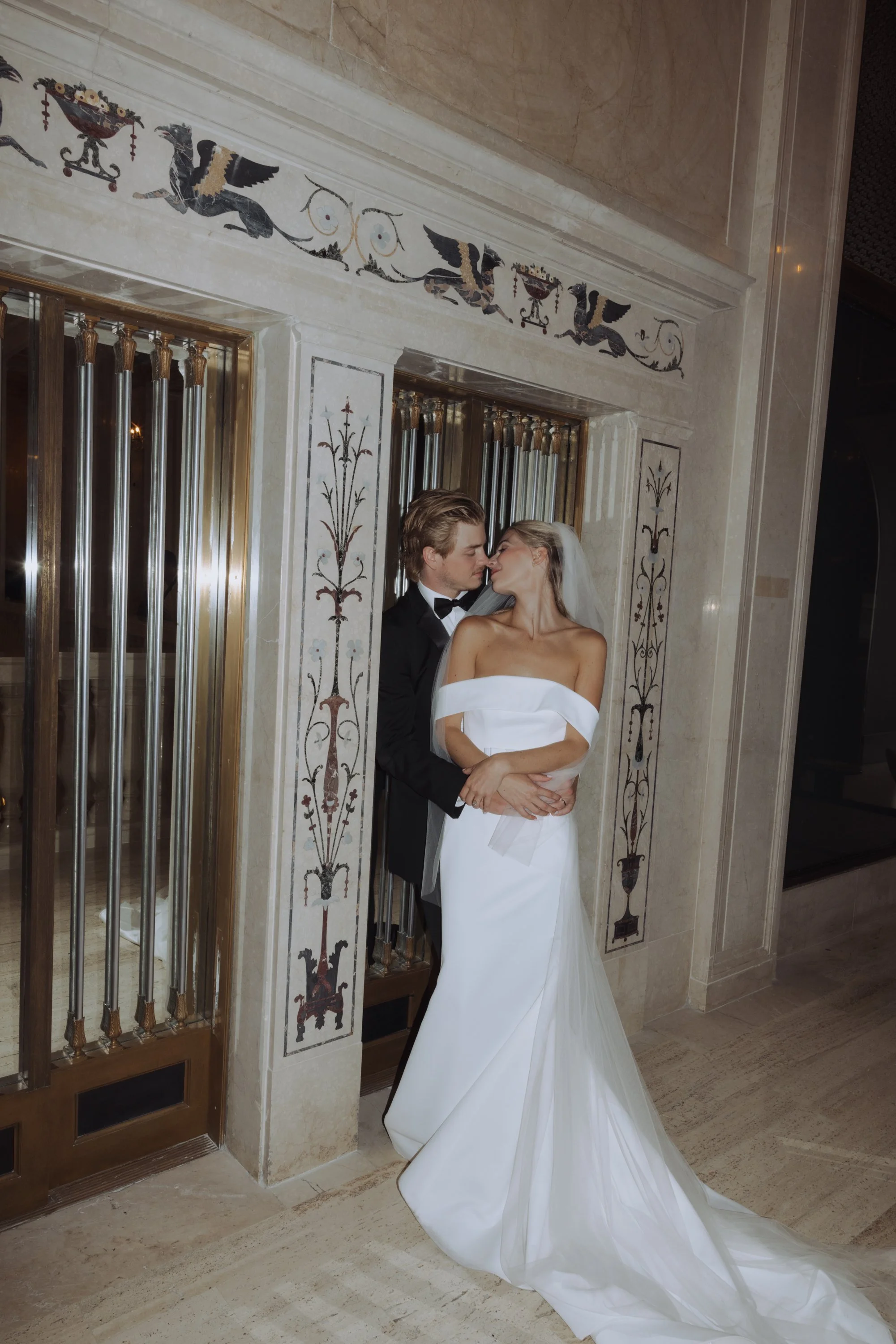
What's inside The Sunday Archive
47 presets, built and tested on real wedding work.
THE FOUNDATION (1)
BASE — the starting point for every image. Everything else is built on top of it.
LIGHTING SCENARIOS (30)
Tungsten 1–8 · Flash 1–5 · Flash Base · Flash Softbox · Window 1–5 · Window Front Lit · Overcast 1–3 · Backlit 1, 2, 4 · Open Shade 1–2 · Dusk Sunset Direct
Built from real wedding conditions. Ballroom tungsten, on-camera flash, dim receptions, flat afternoons — corrected before you ever touch a grade. Eight tungsten variations because no two reception rooms are lit the same.
CURVES (7)
Bronzy · Bronzy 2 · Bronzy 2+ · Film Curves · Contrasty+ · Contrast More · Contrast Softer
The Bronzy family is the heart of it — sun-warmed skin, rich neutrals, a little patina. Three intensities so you can dial the feeling rather than commit to it.
COLOR GRADES (4)
Warm · Teal · Teal 2 · Trendy
FINISHING (5)
Sharpness & Grain 1–5 — five grain structures.
Included with the system
Color grading tutorial with Blaine Siesser — how the system works and how I actually use it, start to finish
RAW sample images — edit alongside the tutorial on the same files I used
Color grade reference photos — see the target before you chase it
The Monochrome Archive
Five renderings, built the same way as the rest — on real files, in real rooms. Some hold highlight detail and stay gentle. Some run contrasty and grained, the way pushed film looks at the end of a long night.
Coco · Sebastian · Cedric · Celeste · Trixie
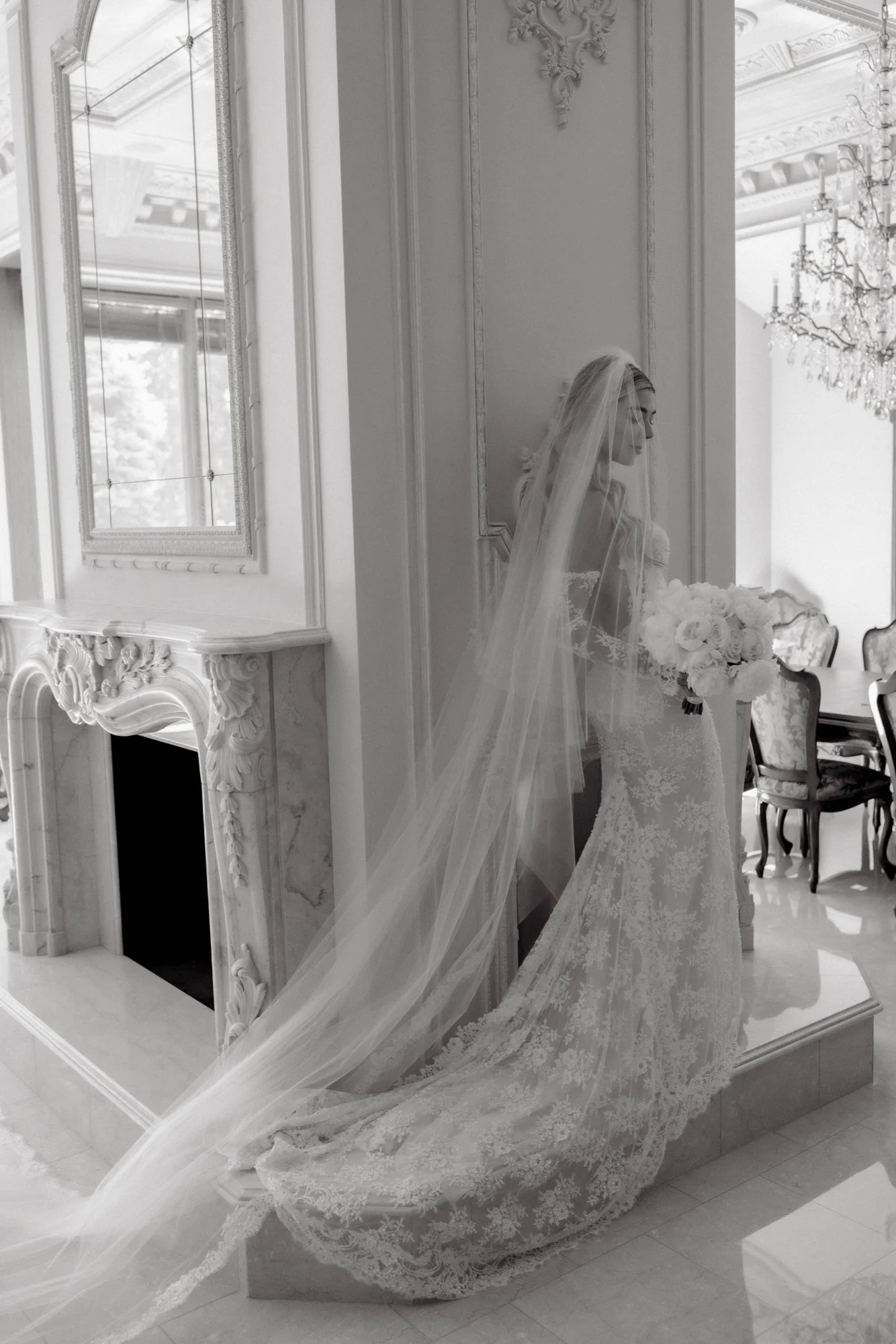
HOW IT WORKS
1. Base. Start every image from the same foundation. 2. Correct. Choose the lighting scenario that matches the room. 3. Grade. Pick your color. Adjust the intensity. 4. Tweak to Taste with included reference photos 5. Finish. Add grain and contrast to taste.
WHO IT'S FOR
Photographers who shoot weddings start to finish and need a gallery that reads as one body of work. Hybrid shooters who want their digital files to sit next to film scans without a seam. Anyone who's tired of fighting a reception.
THE COLOR PHILOSOPHY
Color should be true. Greens read green, reds read red, skin reads like skin. The warmth here comes from light, not from a filter laid on top.
FAQ
Will these work with my camera?
Yes. Every preset is built on Adobe's standard color profiles rather than camera-specific ones, with no camera restriction locked into the files, so they apply to any RAW file Lightroom supports — Canon, Nikon, Sony, Fujifilm, Leica. Sensors do render color differently, so expect to fine-tune white balance and exposure per file. That's true of any preset, and it's exactly what the included tutorial and reference photos teach you to do.
What version of Lightroom do I need?
Lightroom Classic or Lightroom CC, reasonably current. These were built in the latest version and use recent processing, so an old install won't read them correctly.
(Fill in the exact minimum version — see the technical note. Do not guess here; a wrong number generates support email.)
I'm not a wedding photographer. Is this useful?
The lighting scenarios are corrections for conditions, not for weddings specifically. Tungsten is tungsten whether it's a ballroom or a restaurant. Portrait and event shooters use these the same way.
Refunds?
Due to the nature of the products there are no refunds.
PURCHASE
Instant download. Lightroom Classic and Lightroom CC. Yours forever.